









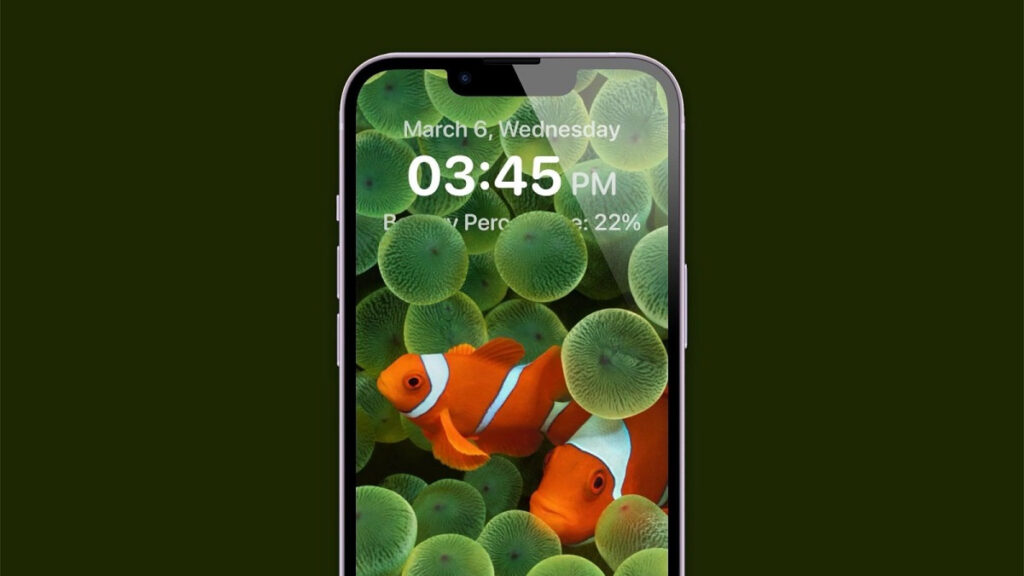
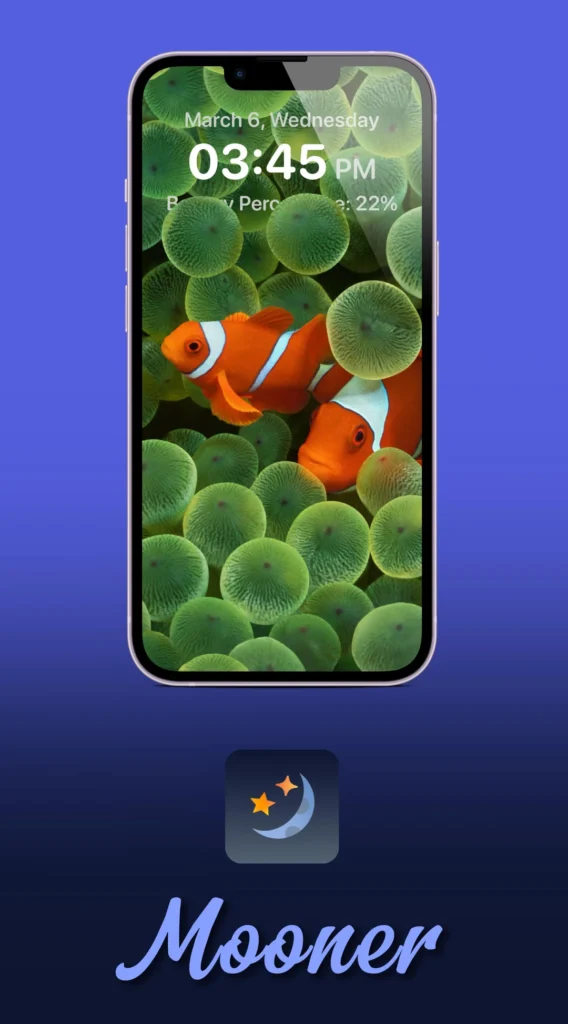
Introducing Mooner, the latest innovation in iOS lock screen customization, offering users a plethora of options to personalize their devices. If you’ve been exploring ways to enhance your lock screen beyond the standard features, Mooner is the solution you’ve been waiting for.
If you are familiar with the Lunar tweak, you will be delighted to learn that there is now a free alternative to haxi0’s service: Mooner. To go further in customizing the lock screen, the Mooner tweak allows you to play with the alignment, the time and date font, to hide certain elements or even to have a widget for the battery. Mooner is a lock screen tweak that supports iOS 15 and 16. It spices up your Lockscreen, and has a multitude of customization, including alignment options, hiding some lockscreen annoyances, custom time and date formats, along with a battery widget! However, as this is my first ever tweak, this is meant to be a mostly simple tweak, and maybe in the future I’ll make much more customizable ones. Anyway, it’s free, so you could try it at least!
Backstory
Diving into the backstory of Mooner provides insight into its creation and the passion behind its development. Conceived as a personal project to explore tweak-making, Mooner emerged as a response to the need for a user-friendly, customizable lock screen tweak. The journey began with admiration for Lunar, another popular tweak, prompting the desire to create something similar yet distinct. This cool lockscreen tweak is brought to you by nowisdev.
Exploring Mooner’s Features
Some of the things you can do with Mooner includes;
- Toggle Mooner on or off on demand
- Left, center, or right-align Lock Screen text
- Hide or show the day/night icon
- Hide or show the AM/PM text
- Hide or show the padlock icon
- Hide or show the page dots
- Enter a custom time format
- Enter a custom date format
- Apply any changes you’ve made so they take effect
Enhanced Customization
Mooner offers an array of customization options, empowering users to tailor their lock screens to their preferences. From adjusting alignment to selecting unique time and date fonts, Mooner puts creative control in the user’s hands. Additionally, users can choose to hide specific elements on the lock screen, decluttering the interface for a cleaner look.
Battery Widget Integration
One of the standout features of Mooner is its battery widget, providing users with at-a-glance information on their device’s battery status. This convenient addition ensures that users can monitor their battery levels without unlocking their phones, adding both functionality and aesthetic appeal to the lock screen.
An Open-Source Initiative
Looking ahead, the creator plans to open-source Mooner, allowing aspiring tweak developers to explore its code and contribute to its evolution. This commitment to transparency and collaboration underscores Mooner’s ethos of community-driven innovation.
Frequently Asked Questions (FAQs)
- What devices does Mooner support? Mooner is compatible with iOS 15 and 16, ensuring widespread accessibility across modern Apple devices.
- Is Mooner free to use? Yes, Mooner is completely free, offering users a cost-effective solution for enhancing their lock screen experience.
- Can I contribute to Mooner’s development? While Mooner is currently developed by a single individual, the creator welcomes contributions from the community once the code is open-sourced.
- How can I install Mooner on my device? Installation instructions for Mooner can typically be found alongside its download link, guiding users through the process step by step.
- Does Mooner require jailbreaking? Yes, Mooner operates within the context of iOS jailbreaking, allowing for deeper customization beyond the confines of Apple’s standard settings.
- Is Mooner compatible with other lock screen tweaks? Compatibility with other tweaks may vary, so users are encouraged to experiment and ensure that Mooner integrates seamlessly with their desired setup.
Conclusion
In conclusion, Mooner represents a remarkable achievement in iOS tweak development, offering users unparalleled customization options for their lock screens. With its user-friendly interface, extensive feature set, and commitment to community engagement, Mooner is poised to become a staple among iOS enthusiasts.
0 Comments
Be the first to comment.