













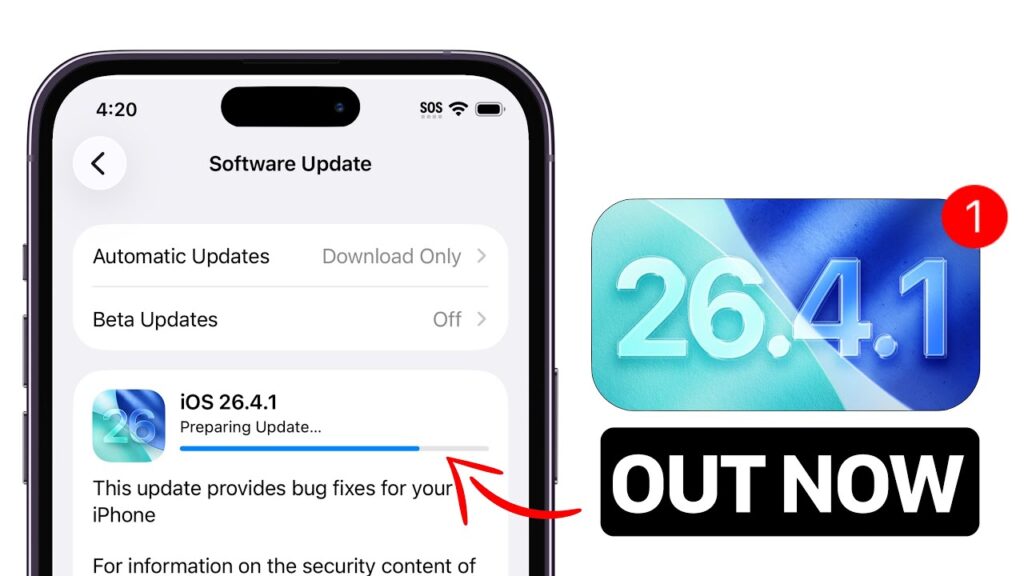
Apple Inc. has officially rolled out iOS 26.4.1 and iPadOS 26.4.1, a rapid follow-up update aimed at fixing critical issues discovered after the recent iOS 26.4 release. While the update may appear minor at first glance, it addresses key system bugs—most notably a widespread iCloud syncing failure—making it an essential install for millions of users.
What Is iOS/iPadOS 26.4.1?
iOS 26.4.1 is a maintenance and stability update released shortly after iOS 26.4. Unlike its predecessor, it does not introduce new features, but instead focuses on:
- Bug fixes
- Performance improvements
- System stability
- Background security patches
According to reports, Apple’s official release notes are minimal, simply stating that the update includes “bug fixes,” but deeper analysis reveals much more significant changes
Major Fix: iCloud Sync Bug Finally Resolved
The most critical issue addressed in iOS 26.4.1 is a serious iCloud synchronization bug that affected multiple apps.
What was the problem?
- Apps failed to sync data across devices
- Apple’s own Passwords app experienced glitches
- Notifications and cloud-based updates behaved inconsistently
This bug appeared shortly after iOS 26.4 launched and impacted both everyday users and developers.
What’s fixed now?
- Reliable iCloud syncing restored
- Improved app data consistency across devices
- Better system-wide cloud integration
This fix alone makes the update highly recommended for all users.
Other Improvements in iOS 26.4.1
Beyond iCloud, Apple has quietly improved several system components:
1. Better Notification Handling
- Smoother notification clearing
- Reduced lag in notification center
2. Improved Keyboard Accuracy
- Fewer typing errors
- More responsive input system
3. Performance & Thermal Optimization
- Reduced overheating during heavy tasks
- More efficient background processes
4. Stability Enhancements
- Fixes for minor crashes and glitches
- More reliable app behavior
Although not officially detailed, the update likely includes security patches, which Apple typically bundles into such releases.
No New Features — Here’s Why
Unlike iOS 26.4, which introduced several features such as:
- AI-powered Playlist Playground in Apple Music
- New emoji and accessibility improvements
- Ambient Music widgets
- Video podcasts support
iOS 26.4.1 is strictly a refinement update.
This is standard practice for Apple:
- Major release (26.4) → new features
- Minor update (.1) → bug fixes and polish
Known Issues Still Reported
Even after the update, some minor issues may persist:
- Occasional inconsistencies with Siri dictation
- Mixed battery performance depending on usage
However, these are relatively minor compared to the resolved iCloud bug.
Should You Install iOS 26.4.1?
Short answer: Yes — especially if you updated to iOS 26.4.
You should update if:
- You experienced iCloud sync problems
- Your apps were not updating properly
- You want improved stability and performance
You can wait if:
- You are not facing any issues
- You prefer to wait for iOS 26.5
Still, given the importance of the fixes, most users are advised to install it immediately.
How to Download iOS 26.4.1
To install the update:
- Open Settings
- Go to General
- Tap Software Update
- Download and install
The update size is typically under 600 MB, depending on your device.
Final Verdict
iOS and iPadOS 26.4.1 may not bring flashy new features, but it plays a crucial role in stabilizing Apple’s ecosystem after a feature-heavy release.
With a major iCloud bug fixed, improved system performance, and better reliability, this update is less about innovation—and more about ensuring your device works as it should.
0 Comments
Be the first to comment.