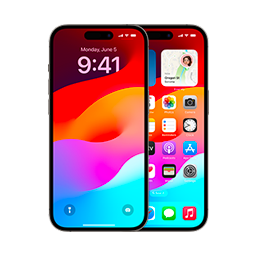
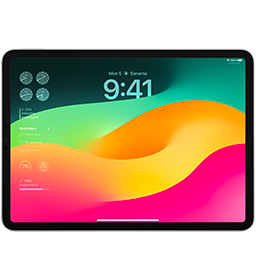
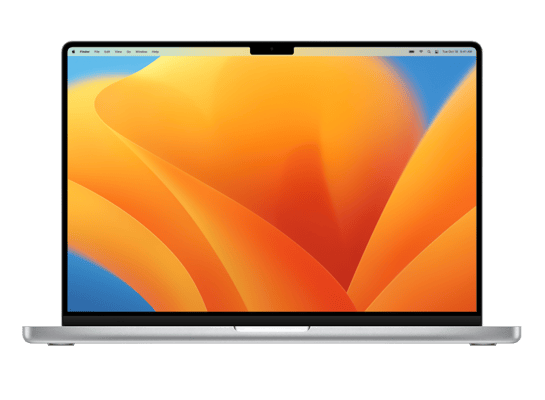
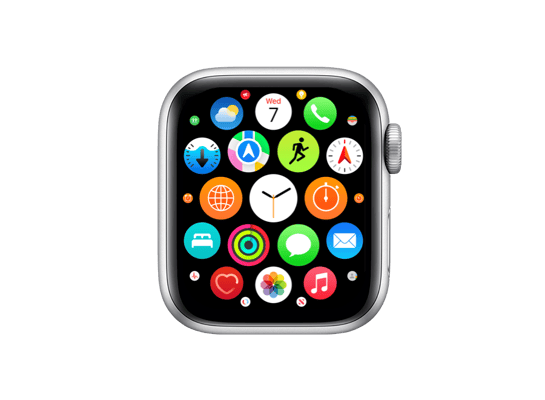
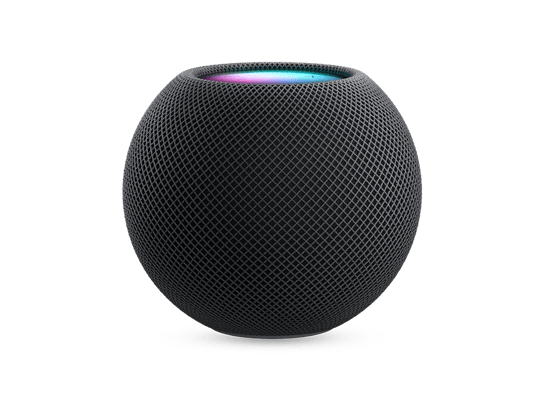
Download signed and unsigned firmware for every Apple device, directly from Apple's servers. Only signed IPSW files can be restored via iTunes or 3uTools.
Choose a device family from the list to see firmware options.
Frequently Asked Questions
Common questions about IPSW files, firmware downloads, and device restoration.
IPSWDL.COM is a comprehensive firmware database that provides download links for IPSW and OTA files for Apple devices. All firmware files are sourced directly from Apple's official servers, ensuring authenticity and security. We offer access to both current signed firmware and historical versions for research and development purposes.
IPSW (iPhone Software) is Apple's firmware file format used to install or restore iOS, iPadOS, tvOS, watchOS, and macOS on Apple devices. These files contain the complete operating system, bootloaders, and device-specific components. IPSW files are typically larger than OTA updates as they include the full system rather than just incremental changes.
To restore using an IPSW file: 1) Download and install iTunes or Finder (macOS Catalina+), 2) Connect your device and put it in DFU or recovery mode, 3) In iTunes/Finder, hold Shift (Windows) or Option (Mac) and click "Restore iPhone", 4) Select your downloaded IPSW file. Important: Only signed IPSW files can be restored. Unsigned versions will result in errors.
IPSW files contain complete firmware and require iTunes/Finder for installation, while OTA (Over-The-Air) updates are incremental updates delivered directly to your device through Settings. IPSWs are larger but provide a clean installation, while OTAs are smaller but only update changed components. IPSWs can restore devices from any state, while OTAs require a functional operating system.
Downgrading is only possible to iOS versions that Apple is currently signing. Apple typically stops signing older versions within days or weeks of releasing newer ones. You can check signing status on our device pages - look for the green checkmark indicating "signed" firmware. Unsigned versions cannot be restored through normal methods.
All our IPSW downloads link directly to Apple's official servers - we don't host the files ourselves. Simply browse to your device model (iPhone, iPad, Mac, Apple TV, etc.) and click the download link for your desired version. We provide both current and historical firmware versions, with clear indicators showing which versions Apple is currently signing.