














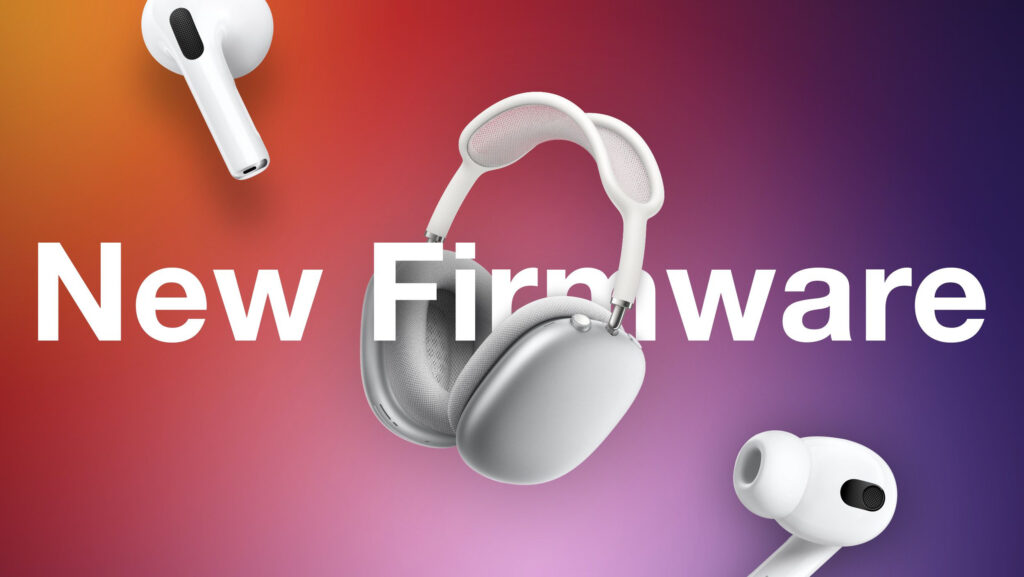
Apple released new firmware updates on June 25th for several of its audio products, including various AirPods models and Beats headphones. The second-generation AirPods Pro (both Lightning and USB-C versions), PowerBeats Pro, and Beats Fit Pro have been updated to firmware version 6F8. Other models, like the first-generation AirPods Pro, AirPods Max, and second and third-generation AirPods, received firmware version 6A326.
While Apple hasn’t specified the exact changes, the updates likely include bug fixes and performance improvements. AirPods firmware updates are automatically installed when the devices are connected to a power source and in range of a paired iOS device or Mac.
To check your AirPods firmware version, follow these steps:
- Connect your AirPods to your iOS device.
- Open the Settings app.
- Tap General.
- Tap About.
- Tap AirPods.
- The firmware version is displayed next to “Firmware Version.”
0 Comments
Be the first to comment.