






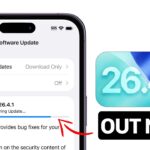



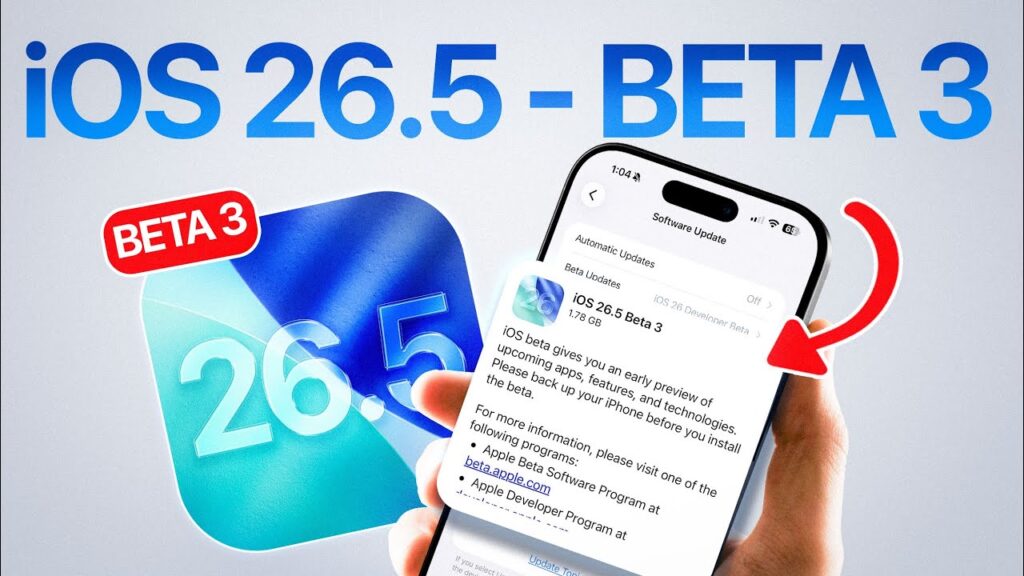
Apple has officially seeded iOS 26.5 Beta 3 to registered developers, continuing the testing cycle for the next mid-cycle update of its “Liquid Glass” operating system. Arriving exactly one week after the second beta, this latest build (23F5059e) focuses heavily on stability, performance refinement, and minor bug fixes as the software nears its expected public launch this summer.
While iPadOS 26.5, macOS 16.5, watchOS 12.5, and tvOS 19.5 remain on their second beta versions for now, the iPhone update takes center stage with critical refinements to features introduced earlier in the cycle.
What’s New in iOS 26.5 Beta 3?
Unlike the feature-heavy Beta 1, Beta 3 is primarily a maintenance release. According to developer release notes and early hands-on testing, the update includes:
- Wallpaper Fixes: A persistent bug where the Unity and Kaleidoscope wallpapers failed to install—or could not be removed from the Gallery—has been resolved.
- StoreKit Enhancements: New tools for developers to better manage and display subscription commitments, particularly for monthly plans with yearly contracts.
- Performance Polish: Users report smoother animations across the “Liquid Glass” interface and improved modem stability for better 5G connectivity.
Apple Releases iOS 26.5 Beta 3 to Developers: What’s New and What to Expect
Apple has officially seeded iOS 26.5 Beta 3 to registered developers, continuing the testing cycle for the next mid-cycle update of its “Liquid Glass” operating system. Arriving exactly one week after the second beta, this latest build (23F5059e) focuses heavily on stability, performance refinement, and minor bug fixes as the software nears its expected public launch this summer.
While iPadOS 26.5, macOS 16.5, watchOS 12.5, and tvOS 19.5 remain on their second beta versions for now, the iPhone update takes center stage with critical refinements to features introduced earlier in the cycle.
What’s New in iOS 26.5 Beta 3?
Unlike the feature-heavy Beta 1, Beta 3 is primarily a maintenance release. According to developer release notes and early hands-on testing, the update includes:
- Wallpaper Fixes: A persistent bug where the Unity and Kaleidoscope wallpapers failed to install—or could not be removed from the Gallery—has been resolved.
- StoreKit Enhancements: New tools for developers to better manage and display subscription commitments, particularly for monthly plans with yearly contracts.
- Performance Polish: Users report smoother animations across the “Liquid Glass” interface and improved modem stability for better 5G connectivity.
Recapping the iOS 26.5 Feature Set
Though Beta 3 is about “under-the-hood” polish, the iOS 26.5 cycle as a whole introduces several significant changes for iPhone users:
1. Ads in Apple Maps
Perhaps the most discussed change, Beta 2 confirmed that Apple is preparing to roll out local ads in Apple Maps for users in the U.S. and Canada. A new splash screen explains that ads will be based on approximate location and search terms but emphasizes that this data is not linked to your Apple Account to maintain privacy.
2. “Suggested Places” in Maps
Introduced in Beta 1, this feature transforms the Maps search bar. Before you even type, Maps now offers a curated list of trending locations and personalized recommendations based on your recent activity.
3. RCS End-to-End Encryption (E2EE)
Apple is continuing to test end-to-end encryption for RCS messages between iPhones and Android devices. This long-awaited security layer ensures that cross-platform chats remain private, mirroring the security standards of iMessage.
4. EU Interoperability
Following the Digital Markets Act, iOS 26.5 expands Live Activities support for third-party wearables in the European Union, allowing smartwatches from other brands to mirror real-time iPhone data like sports scores or delivery ETAs.
Release Date and Compatibility
iOS 26.5 is expected to reach the general public in late May or June 2026. It is compatible with all devices currently running iOS 26, including:
| Generation | Supported Models |
| iPhone 17 Series | iPhone 17, 17 Pro, 17 Pro Max, 17 Air |
| iPhone 16 Series | iPhone 16, 16 Plus, 16 Pro, 16 Pro Max |
| Older Models | iPhone 11 through iPhone 15, iPhone SE (2nd gen+) |
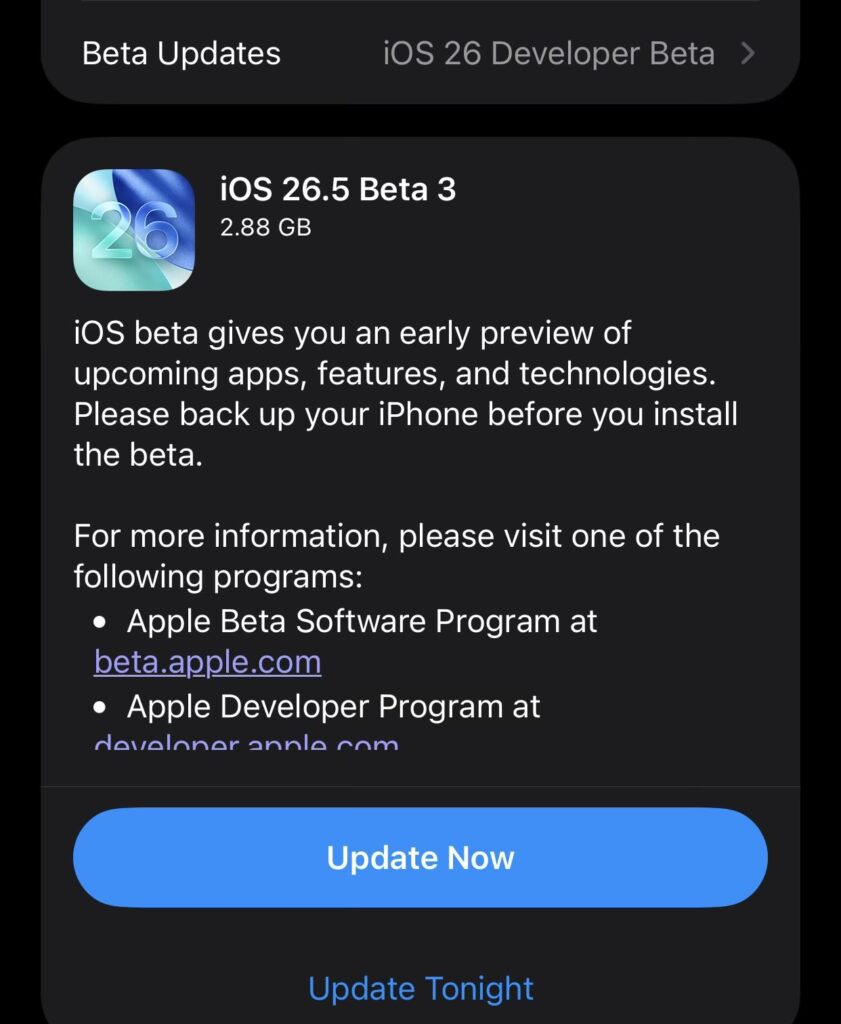
Pro Tip: If you are a developer, you can download the update by navigating to Settings > General > Software Update > Beta Updates. However, because this is still pre-release software, it is recommended to install it only on secondary devices.
0 Comments
Be the first to comment.