What is iOS Jailbreaking all about?

What it is iOS jailbreaking, how does it work, is your iDevice and version compatible for jailbreaking? If you are asking these questions, then you came to the right place. This article explains all the key concepts of jailbreaking as far as the iOS ecosystem is concerned and how you can go about it.
What Is Jailbreaking?
Jailbreaking is the process of exploiting the kernel — and other security protections — of Apple’s operating systems (iOS, iPadOS, watchOS, tvOS, audioOS, and bridgeOS) to gain arbitrary code execution and elevated system access. In plain terms, it unlocks your Apple device so you can install software, tweaks, and customizations that Apple doesn’t officially allow.
It’s important to understand what jailbreaking is not: it’s entirely different from carrier unlocking. Unlocking lets you use a device on different mobile networks. Jailbreaking opens up the operating system itself.
Legal note: The legality of jailbreaking varies by country and region. Always check local laws before proceeding.
A Brief History of Jailbreaking
Early jailbreaks worked by patching /private/etc/fstab to remount the system partition as read-write, allowing modifications to core system files. They also modified Apple’s AFC service (used by iTunes for filesystem access) to expose full root-level access — a feature later formalized as the AFC2 service.
As Apple introduced increasingly sophisticated security layers — including KPP (Kernel Patch Protection), KTRR (Kernel Text Readonly Region), PPL (Page Protection Layer), PAC (Pointer Authentication Codes), SPTM, and TXM — jailbreak techniques had to evolve. Modern jailbreaks generally modify kernel variable memory rather than directly patching the kernel, with checkm8-based jailbreaks being a notable exception.
The Four Types of Jailbreaks
Understanding jailbreak types is essential before choosing the right tool for your device.
1. Tethered
A tethered jailbreak requires you to connect your device to a computer every time you reboot. If you restart without a computer, the device won’t boot at all. This type is now rare. Examples include blackra1n and orangesn0w.
2. Semi-Tethered
With a semi-tethered jailbreak, the device will boot on its own after a reboot — but it will boot into an unjailbroken state. You need a computer to re-apply the jailbreak after every restart. Examples include checkra1n and palera1n.
3. Untethered
The holy grail of jailbreaking. Run the jailbreak once and it persists across reboots indefinitely. Early jailbreaks like JailbreakMe (Safari-based), redsn0w, Absinthe, and Pangu were fully untethered. These became increasingly difficult to achieve after iOS 9 and are now exceptionally rare.
4. Semi-Untethered
The dominant modern approach. After a reboot, you open an app on your device to re-jailbreak — no computer needed. The tradeoff is that Apple requires the jailbreak app to be re-signed periodically (every 7 days with a free developer account, every year with a paid one). Tools like ReProvision Reborn automate this process. On compatible iOS versions, TrollStore can permanently sign the app so it never expires. Examples include unc0ver, Chimera, Taurine, and Dopamine.
Current Jailbreak Status by Device
iOS / iPadOS
| Device Group | Latest Firmware | Last Jailbreakable Version | Tool |
|---|---|---|---|
| iPhone 15 series, iPhone 16 series, iPhone 16e, iPhone Air, latest iPads | 26.3 | — | No jailbreak available |
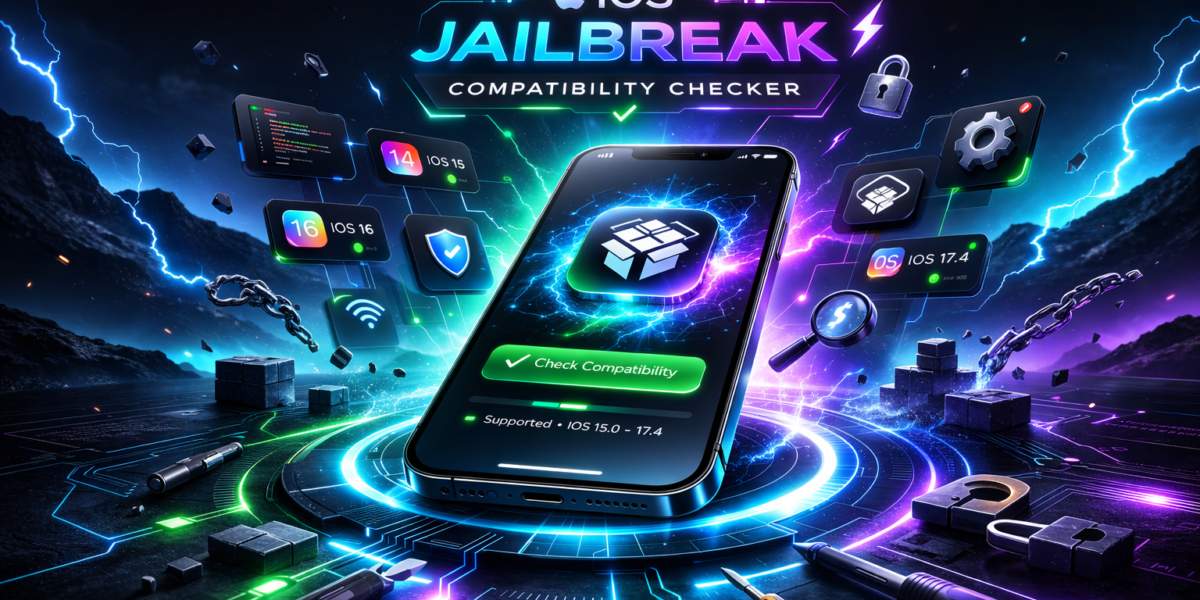
| iPhone 11–14 series, iPhone SE 2 & 3, iPad 8th–10th gen, iPad Air 3–5, iPad Pro (various) | 17.0 | 17.0 | NathanLR |
| iPhone XR, XS, XS Max | 18.7.5 | — | — |
| iPad (7th gen) | 18.7.5 | Current | palera1n |
| iPhone 8, 8 Plus, iPhone X, iPad (5th gen), iPad Pro 9.7″ & 12.9″ 1st gen | 16.7.14 | 16.7.14 | — |
| iPhone 6s/7 series, iPhone SE 1st gen, iPad Air 2, iPad mini 4, iPod touch 7 | 15.8.6 | 15.8.6 | Dopamine or palera1n |
| iPhone 5s/6 series, iPad Air 1, iPad mini 2 & 3, iPod touch 6 | 12.5.8 | 12.5.8 | checkra1n or Chimera |
| iPhone 5/5c, iPad (4th gen) | 10.3.3/10.3.4 | 10.3.4 | h3lix or socket |
| iPhone 4S, iPad 2/3, iPad mini 1 | 9.3.5/9.3.6 | 9.3.6 | Phœnix, p0laris, or others |
| iPhone 4 | 7.1.2 | 7.1.2 | Lyncis or Pangu |
| iPhone 3GS, iPod touch 4 | 6.1.6 | 6.1.6 | p0sixspwn |
tvOS
| Device | Latest Firmware | Jailbreak Tool |
|---|---|---|
| Apple TV 4K (2nd & 3rd gen) | 26.3 | No jailbreak |
| Apple TV HD, Apple TV 4K (1st gen) | 26.0.1 | palera1n |
| Apple TV (3rd gen) | 7.9 | Blackb0x |
| Apple TV (2nd gen) | 6.2.1 | Seas0nPass or Blackb0x |
watchOS
| Device | Last Jailbreakable Version | Tool |
|---|---|---|
| Apple Watch Series 3 | watchOS 4.1 | JelbrekTime |
| Apple Watch Series 1 & 2 | watchOS 3.2.3 | Overcl0ck |
Beyond Jailbreaking: Bootstraps and Semi-Jailbreaks
As Apple’s security stack has grown more complex, two intermediate approaches have emerged for users who want enhanced functionality without a full jailbreak.
Bootstrap
A bootstrap uses a CoreTrust bug (often installed via TrollStore) to run unofficial binaries without patching the kernel. It’s a lighter-weight alternative that keeps your device closer to a stock environment, reducing the risk of kernel panics.
What a bootstrap supports:
- Basic app tweaks with limited scope
- A more stable, stock-like environment
What a bootstrap does NOT support:
- Full tweak injection (Springboard tweaks, AppSync Unified, daemon-modifying tweaks)
- External terminals that rely on kernel read/write
- Custom LaunchDaemons (these require kernel-level access to bypass Apple’s platform binary checks)
Semi-Jailbreak
A semi-jailbreak goes one step further. Using kernel read/write access, it overwrites /sbin/launchd to remove Apple’s binary execution restrictions — unlocking features that a standard bootstrap can’t provide.
Additional capabilities over a bootstrap:
- Significantly improved tweak injection support
- Full LaunchDaemon support
- Tweaking applications without re-registering them as system apps
Note: On arm64e devices, full kernel r/w alone isn’t sufficient for a complete jailbreak due to KPP, KTRR, PPL, SPTM, TXM, and PAC protections — making the semi-jailbreak the practical ceiling for many modern devices.
Key Jailbreak Tools Reference
| Tool | Type | Notable For |
|---|---|---|
| palera1n | Semi-tethered | checkm8-based; supports A8–A11 devices |
| checkra1n | Semi-tethered | Hardware-based; very stable on older devices |
| Dopamine | Semi-untethered | Modern; supports iOS 15–16 on A12+ |
| unc0ver | Semi-untethered | Long-running iOS 11–14 support |
| Chimera | Semi-untethered | Sileo package manager; iOS 12 |
| Taurine | Semi-untethered | iOS 14 on arm64 |
| TrollStore | Not a jailbreak | Permanently signs apps using CoreTrust bug |
| ReProvision Reborn | Utility | Auto-resigns jailbreak apps weekly |
Frequently Asked Questions
Is jailbreaking safe? Jailbreaking voids your warranty and can introduce security vulnerabilities if you install unvetted tweaks. That said, well-maintained modern jailbreaks from reputable developers carry a manageable risk for informed users.
Will jailbreaking brick my device? It’s unlikely with reputable tools, but not impossible. Always back up before proceeding.
Can I still update iOS after jailbreaking? Yes, but updating will remove the jailbreak. You’ll need to wait for a compatible jailbreak for the new firmware version — which may never come.
What’s the difference between jailbreaking and unlocking? Jailbreaking modifies the OS for software freedom. Unlocking removes carrier restrictions so you can use a different SIM card. They are completely separate processes.
My device isn’t on the list — can it be jailbroken? Check community resources like the iPhone Wiki for the most up-to-date compatibility information, as this landscape changes frequently.
Final Thoughts
Jailbreaking has evolved dramatically over the years — from simple filesystem patches to sophisticated kernel exploits navigating layers of hardware-backed security. While truly untethered jailbreaks for modern iPhones are largely a thing of the past, tools like palera1n, Dopamine, and TrollStore continue to push boundaries for older and mid-range devices.
Whether you’re chasing deep customization, developer tools, or retro-device tinkering, understanding the types, tools, and limitations of jailbreaking is the essential first step.